


 Restaurants
 Tourism
 Electronics
 Supermarkets
 Services
 Banks
Banks
 Apparel Stores
 Carriers
 Internet Providers
 Taxi
Taxi
 Beauty and Care
 Clinics
 Training Centers
 Hotels
 Cargo
Cargo
 Entertainment
 Dentists
 Flowershops
 Car Services
 Cafes
Cafes
 Study Abroad
 Gyms
Gyms
 Pubs and Bars
 Dry Cleaning
 For kids
 Insurance Companies
 Water delivery
 Equipment repair
 Sporting goods
 Veterinarians
QR Menu for Restaurants and Cafes
The tabletop stand directs guests straight to your menu. The menu opens in the phone’s browser with no app required.
Your cafe
Menu
Tap your phone
beledci.az/your-cafe/menu
Recent menu visits
2 methods
Menu access — QR code and NFC
App-free
Menu opens in browser; no account or registration needed
Real-time
Price and selection updates reflected instantly in menu
Multilingual
Manage categories, products, and descriptions by language
How it works
The stand is placed on the table, while the menu is created and updated in the business panel.
1 You
A stand is placed at each table or zone according to the venue layout. The stand requires no power connection or charging.
2 Guest
The guest taps their phone on the stand or scans the QR code on it.
3 Guest
Categories, products, images, and prices appear on the guest’s phone in their chosen language.
4 You
Prices, products, images, and selections are modified through the business panel. Saved data is reflected across all stands with the same menu.
Menu as seen by guests
Products are presented with categories, images, descriptions, options, and prices.
Menu
Coffee
Products are organized by category and shown with image, brief description, and price. Out-of-stock items are clearly marked.
Flat white
A double ristretto topped with a thin layer of steamed milk, served in a 180 ml cup. Oat, almond, or lactose-free milk available at no extra charge.
Choose size
Standard 8.50 Large 10.00 Double espresso 12.50Product pages feature a large image, full description, and prices for different options.
Language
az Azerbaijani ru Русский en EnglishPrices
Filter coffee 6.00 AZN Iced latte 11.00 AZNCategory names, product names, and descriptions are entered separately for each language. Prices are shown in the venue’s local currency.
Menu access methods
Both methods direct guests to the identical digital menu.
When an NFC-enabled phone is tapped on the stand, a menu link appears on the screen.
Guests scan the QR code on the stand with their phone camera to open the menu.
In both cases, the menu opens in the browser; no app download or account creation is necessary.
Menu management
Menu structure and content are controlled through the business panel.
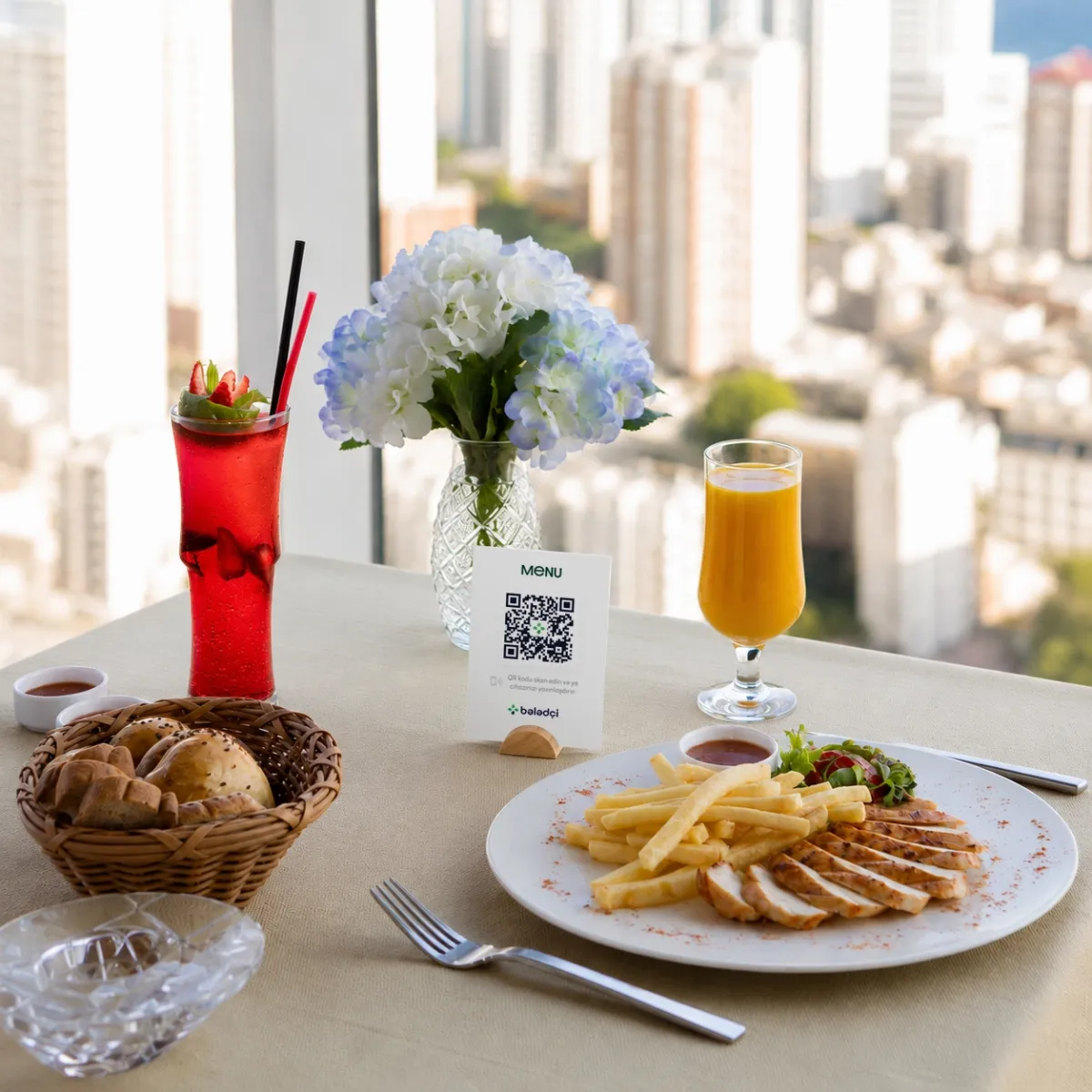
Difference from print
Price and selection updates are made in the business panel.
2
Menu access methods — QR code and NFC
App-free
Menu accessed via browser without account creation
20 sec
Time for price changes to appear in menu
Sample calculation
This calculation shows how often and in what quantities the menu is printed annually.
This is a sample calculation. Actual results depend on how often the venue updates and prints its menu.
Suitable venues
QR menu can be used in various venues that serve menus at the table.
FAQ
Key information about setting up and using the QR menu.
No. The menu opens in the phone’s browser; no app, account, or registration is required.
Guests can scan the QR code on the same stand with their phone camera. Both methods open the same menu.
You can create the menu yourself in the business panel. If you send us an existing menu, our team can add the content and images to the panel.
Yes. You can manage prices, descriptions, images, and product order through the business panel. Changes are immediately visible at all tables.
No. Adding images is optional. Uploaded images are automatically resized and optimized by the system.
The menu is linked to your business account and displayed identically across all branches. Branch-specific offers can be added as separate categories or options.
Submit the application form. Our team will contact you with details about stands, terms, and pricing.
For business
Each tool works on its own, and together they complement one another.
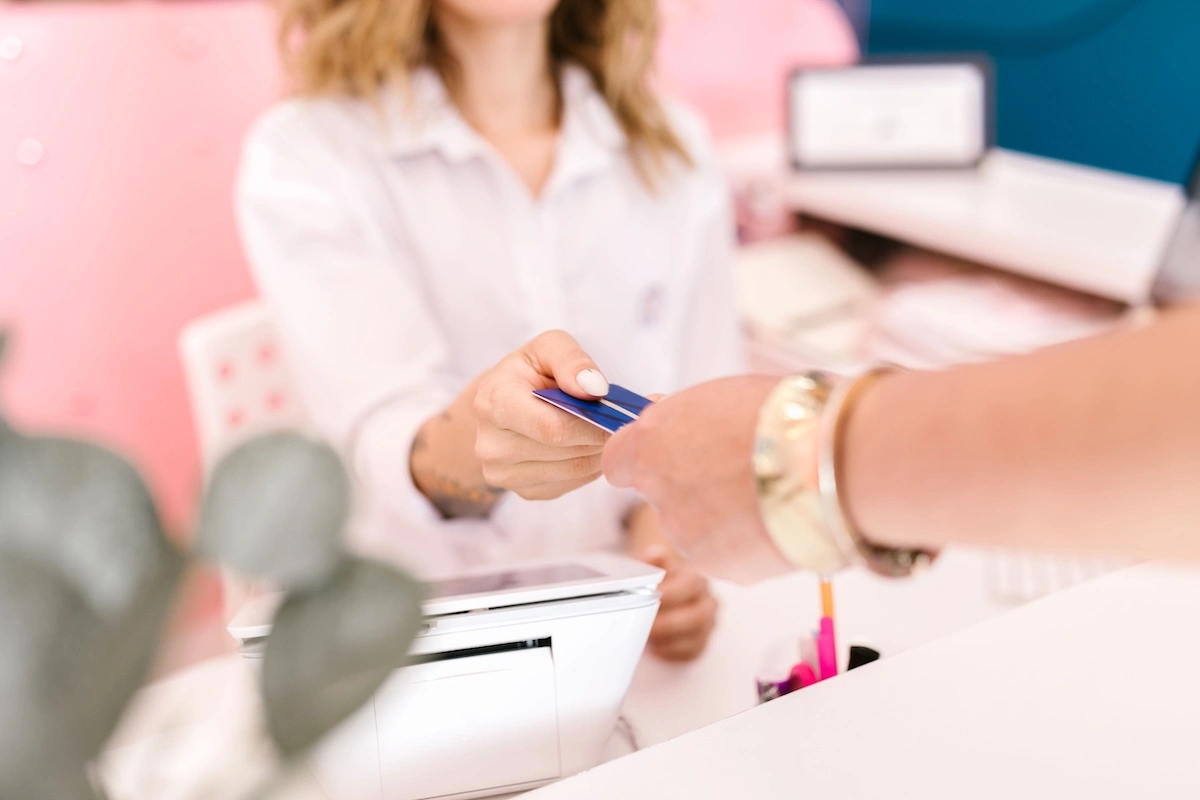 Loyalty program for businesses
Bələdçi Card is a digital loyalty programme — a stamp card in your own branding inside your customers' app, with branch-by-branch reporting.
Learn more
Loyalty program for businesses
Bələdçi Card is a digital loyalty programme — a stamp card in your own branding inside your customers' app, with branch-by-branch reporting.
Learn more
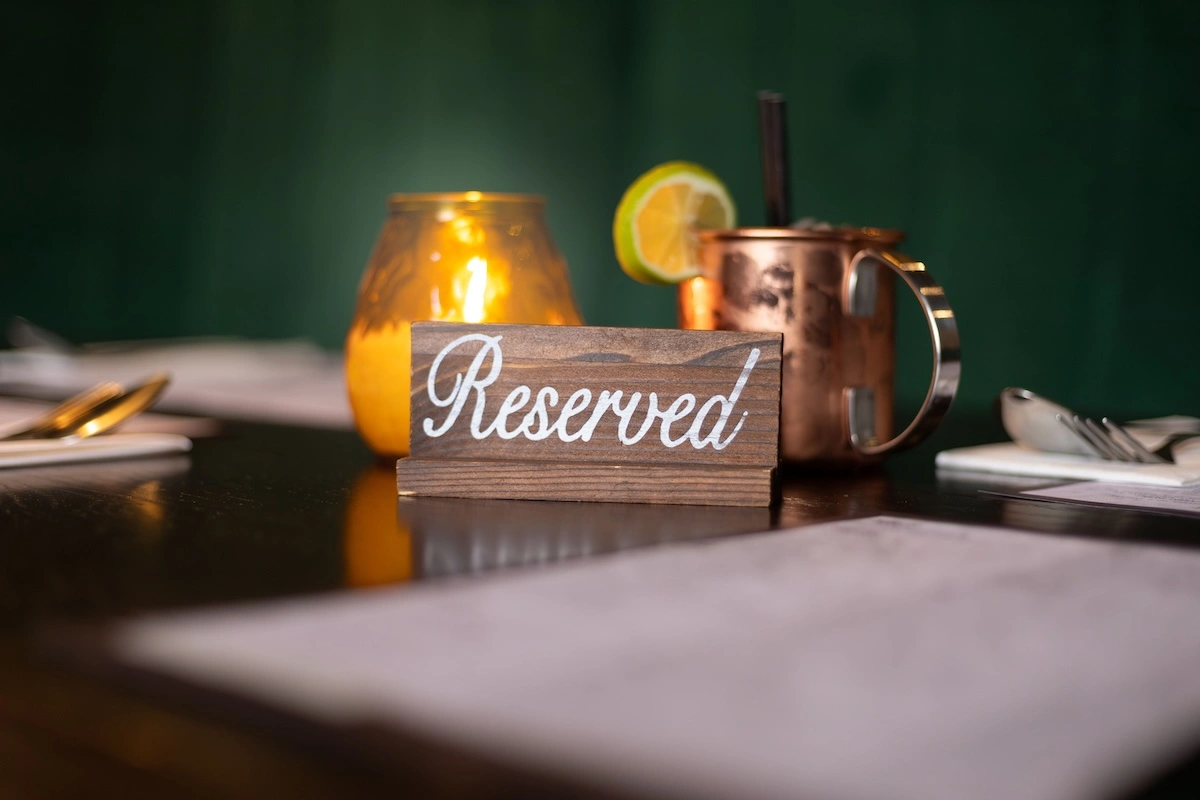 Table Reservation
Guests create online reservations by selecting the branch, number of guests, and time. Reservations and table availability are managed through the business app.
Learn more
Table Reservation
Guests create online reservations by selecting the branch, number of guests, and time. Reservations and table availability are managed through the business app.
Learn more
 Online Appointment Booking
Customers book appointments online by selecting the service, specialist, and available time. Work schedules, breaks, and appointment requests are managed through the business app.
Learn more
Online Appointment Booking
Customers book appointments online by selecting the service, specialist, and available time. Work schedules, breaks, and appointment requests are managed through the business app.
Learn more
QR Menu
Provide information about your venue and number of tables in the application. Our team will contact you regarding stand production, menu setup, and usage instructions.


 Instagram
 Telegram